A companion control application that drives a live Unity automotive HMI scene over a network link.
Screens, cameras, studio lighting, car paint, doors, wheels and full drive-mode "looks" are all
adjusted in real time, turning a game engine into a designable, director-controlled cockpit for
prototyping in-car experiences.
See It In Action
How It Works
TWO APPS, ONE LIVE LINK
The project is split into two programs that talk to each other in real time. The Simulator
is a desktop control panel (built in Python / PySide6) that acts as the "director". Unity
runs the 3D car, the studio and the HMI, and listens for instructions. They are connected by a simple
newline-delimited JSON-over-TCP link.
The Director
Simulator
PySide6 control panel. Send a command (switch screen, recolour a light, open a door, apply a drive mode).
⟶ JSON / TCP ⟶
The Stage
Unity HMI
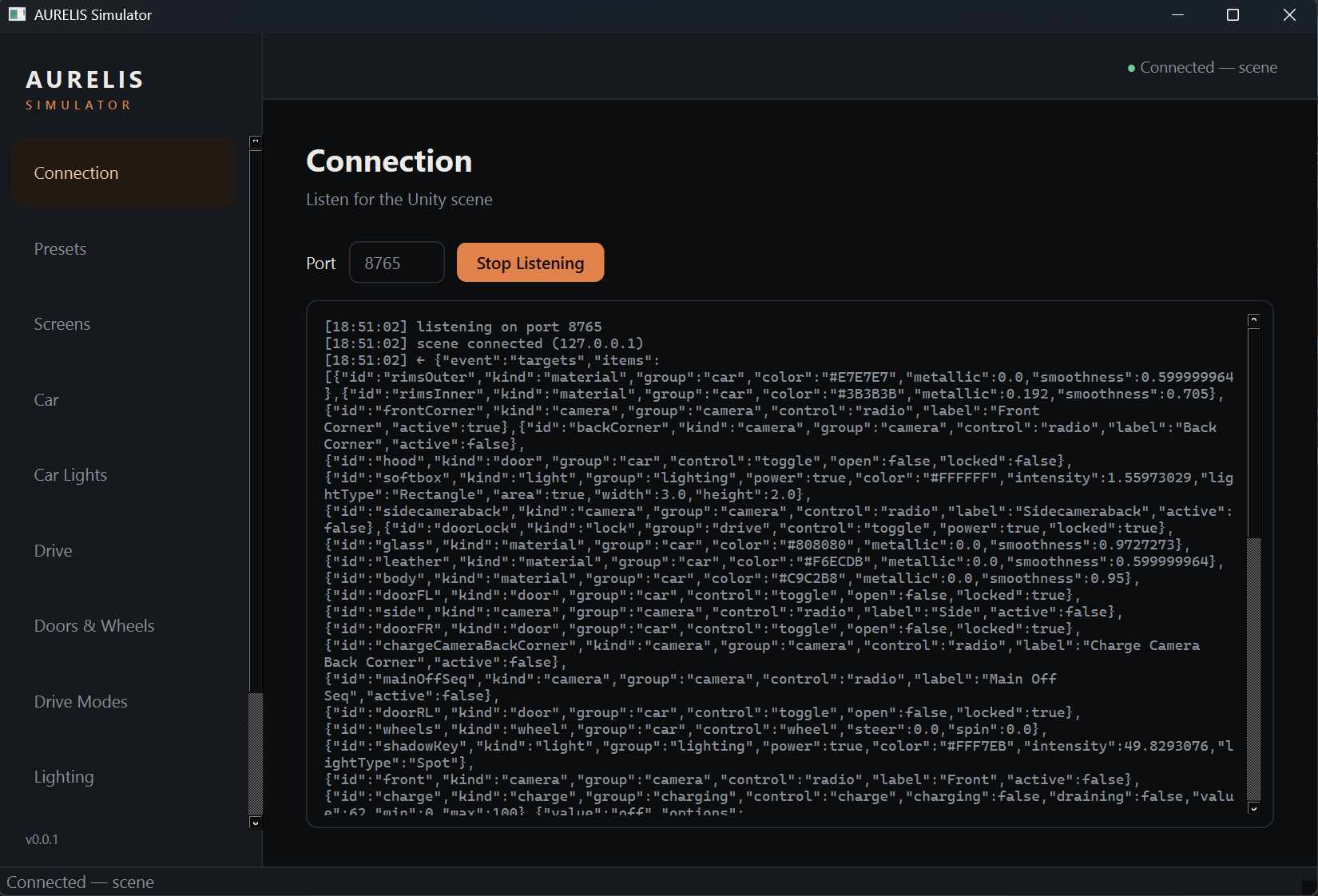
Applies each command to the live scene and renders it. Every controllable announces itself back, so the panel builds its own controls automatically.
Crucially, Unity announces what it can control back to the Simulator when it connects.
Add a new light, material or car part in the scene and tag it as controllable, it appears in the panel
on its own, with no extra wiring on either side. The control surface is generated from the scene itself.
The Control Panel
EVERYTHING IS DESIGNABLE
Each tab in the Simulator drives a different layer of the scene live:
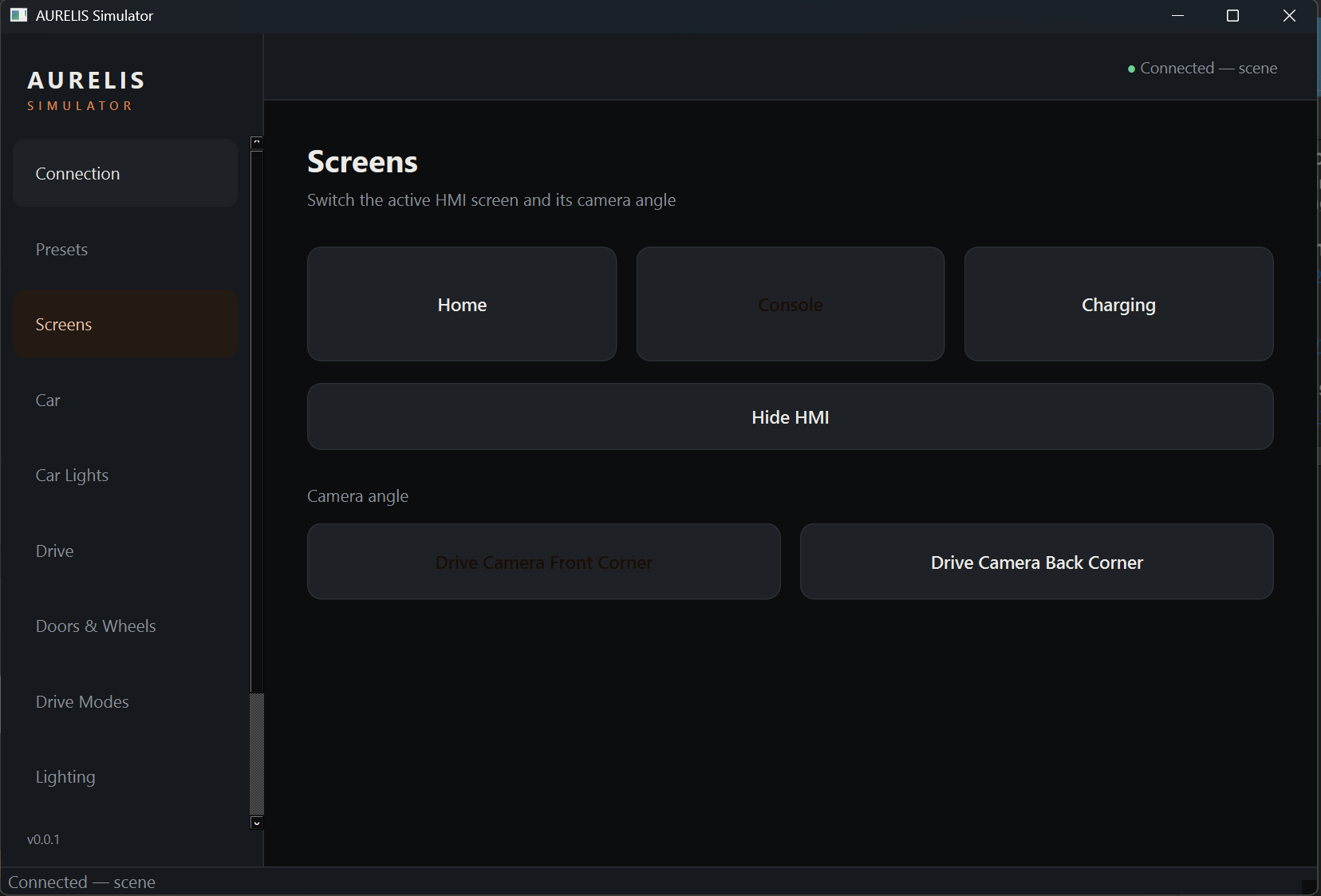
Screens
HMI & Cameras
Switch the active HMI screen, from Home to Console or Charging and blend the cinematic camera to match.
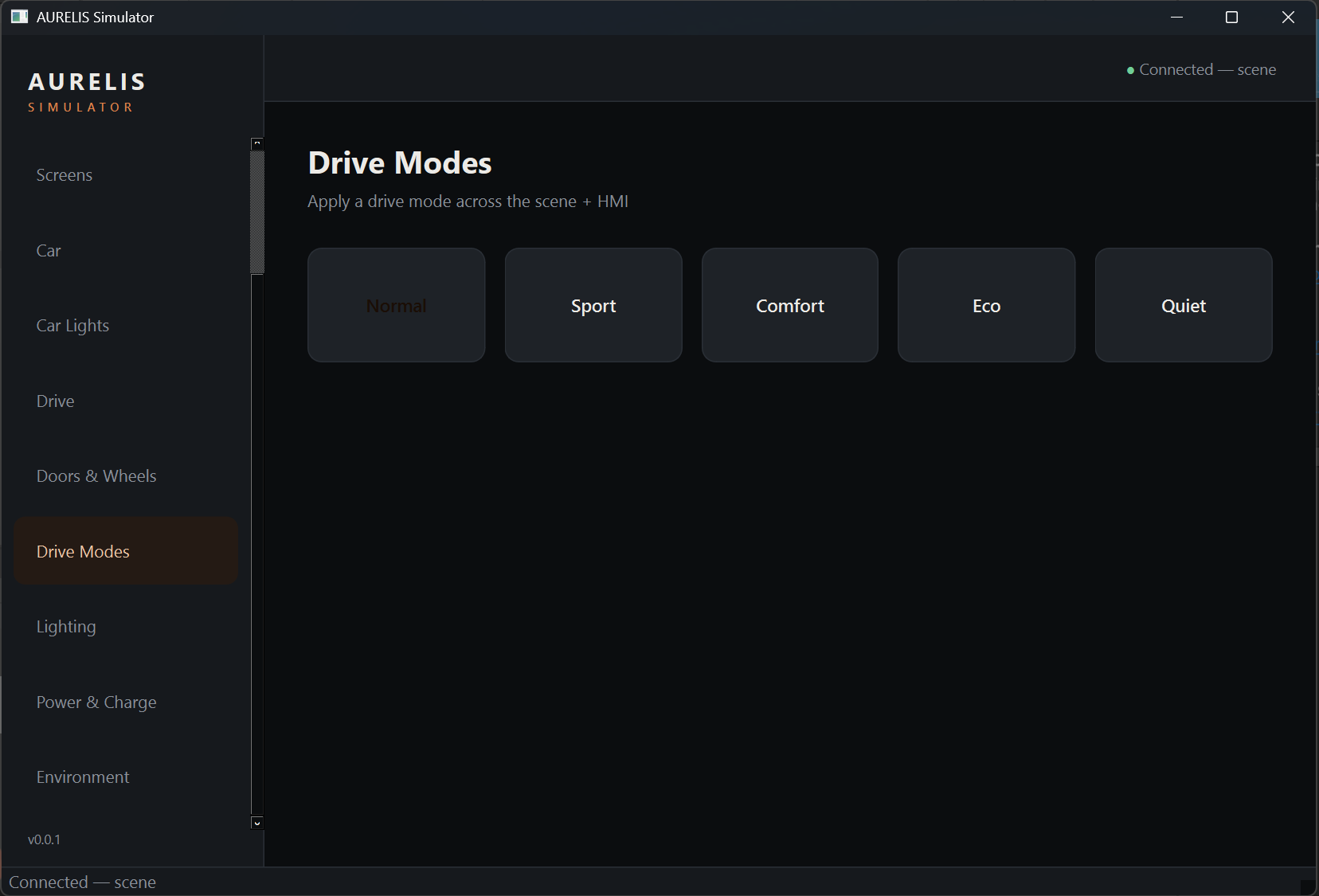
Drive Modes
Whole-Scene Looks
Normal, Sport, Comfort, Eco, Quiet, as each re-themes car paint, lighting, mood and the HMI accent in one synced transition.
Lighting
Studio Lights
Real-time HDRP area lights, colour, intensity and on/off for the virtual photography studio.
Car / Car Lights
Materials & Lamps
Body colour, rims, glass and leather; headlights, DRLs, indicators and brake lights driven by function.
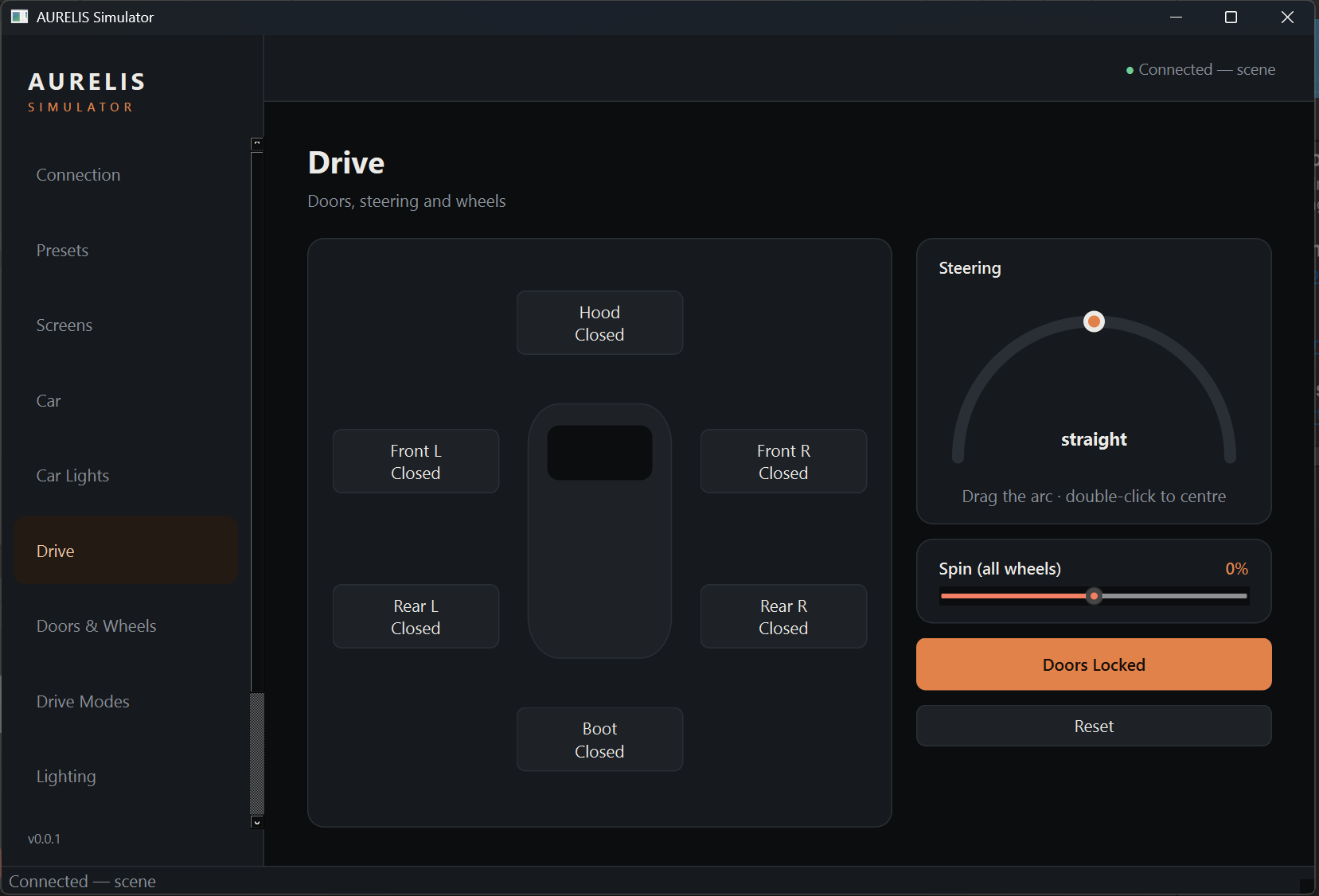
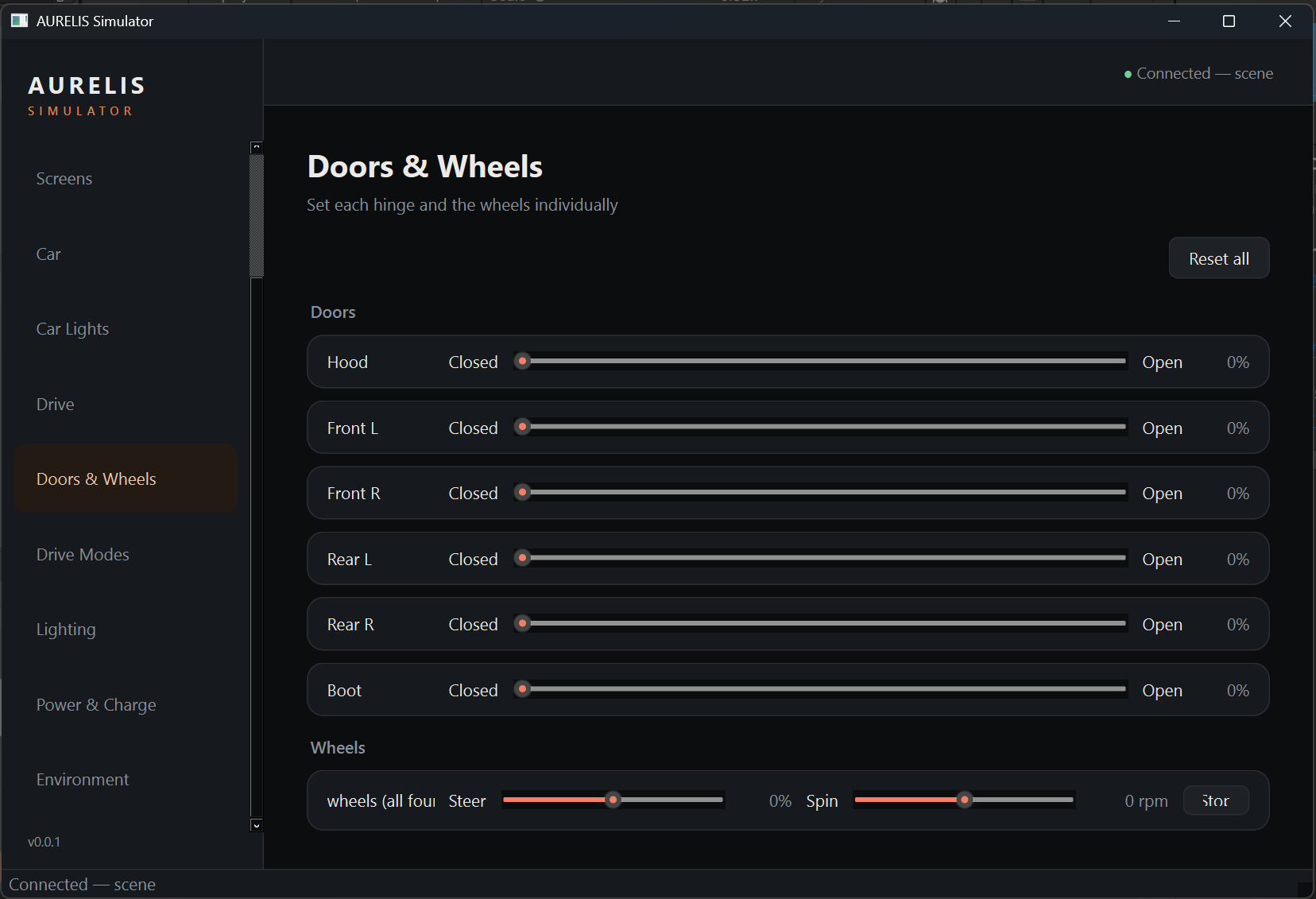
Drive · Doors & Wheels
Mechanics
Open any door, hood or boot, steer the front axle and spin the wheels.
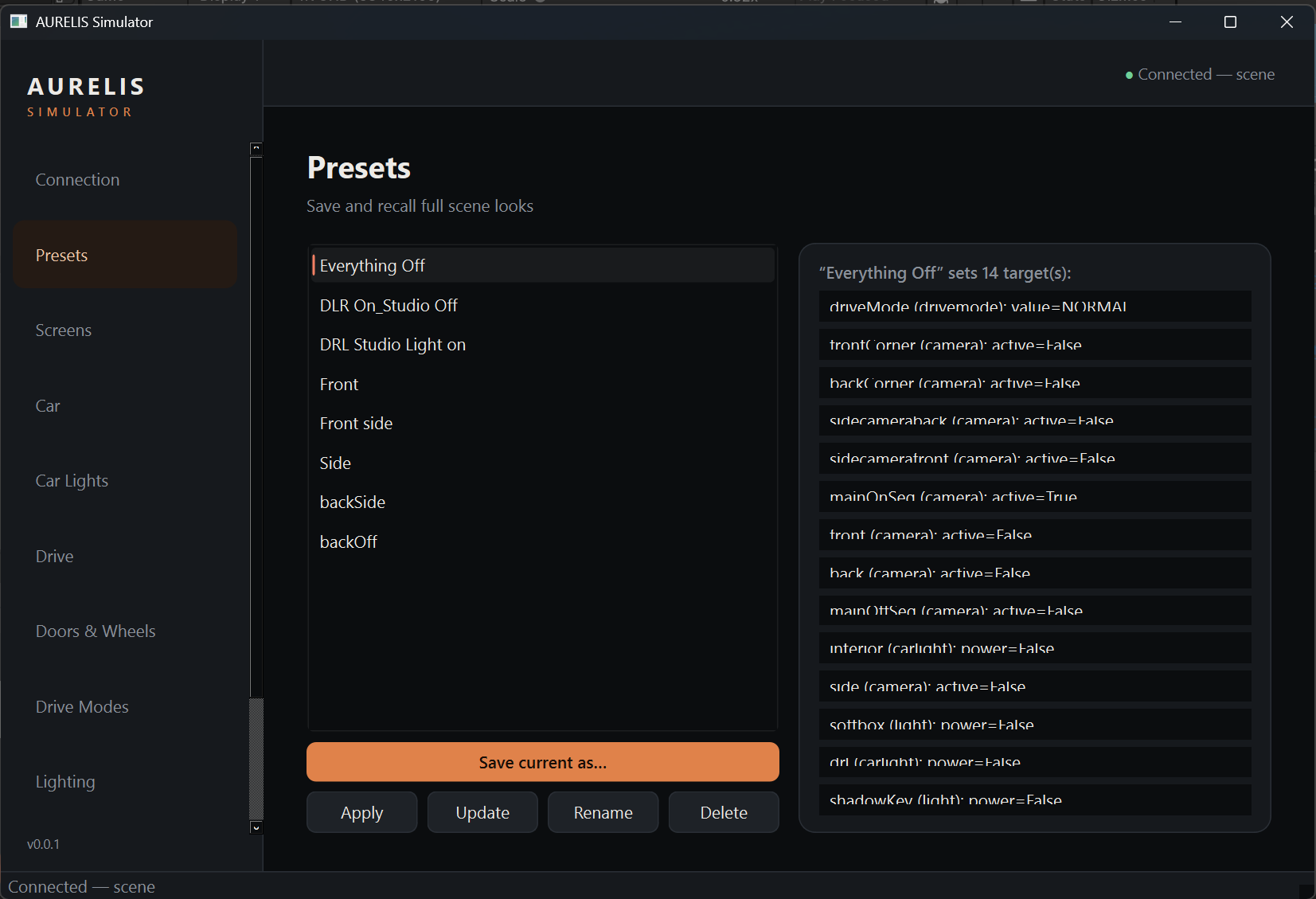
Presets
Full-Scene Recall
Save and recall a complete look as a single named preset.
The Unity HMI
A UI BUILT FROM CODE, OVER A LIVE CAR
The HMI follows one rule: two layers, never opaque. A flat UI canvas (Home, Drive
Console, Charging) is composited on top of a real-time 3D vehicle, so the car is always visible
behind the glass, exactly as it would be on a real cluster display.
Every screen is generated by reproducible C# editor-builders from a single set of design
tokens, not hand-placed by dragging boxes. Change a colour, radius or margin in one place and rebuild.
Because the HMI listens on the same link as the scene, a drive-mode change
can retint the car, the studio and the UI accent together, in one smooth, synchronised transition.
Why It Matters For Automotive
A SANDBOX FOR IN-CAR EXPERIENCE
01
Design and review in real time
Designers, engineers and stakeholders can try drive modes, themes, camera angles and lighting moods live, together. No rebuild, no rebake. Decisions happen in the room.
02
The HMI is tested against the real car
The interface is always composited over the live vehicle, so legibility, contrast and layout are judged in the actual context they'll ship in.
03
Self-describing & extensible
New lights, materials or car parts appear in the control panel automatically. The rig scales to a full vehicle without bespoke UI work for every feature.
04
Repeatable, presentation-ready looks
Presets capture an entire scene state, so a polished demo, a marketing render or a regression check can be recalled identically, every time.